
Mixing and Mastering Guides for Music Producers
Mixing Studio Online helps producers, musicians and home studio users understand the decisions behind better mixes, cleaner masters and more useful studio tools. The site focuses on practical mixing and mastering guides, studio workflow, gear choices and plugins without turning every topic into hype.
Learn how balance, tone, dynamics, stereo image, monitoring and loudness work together before you make technical or creative decisions in your session.
Learn Mixing and Mastering with a Clear Studio Workflow
A better result usually starts with a clearer process. Mixing Studio Online connects the core parts of audio production: arranging a session, balancing tracks, shaping tone, controlling dynamics, checking translation, preparing a mix for mastering and choosing tools that actually support the work.
Mixing Guides
Improve clarity, balance, depth and movement with guides about EQ, compression, gain staging, panning, stereo imaging, reverb, delay, vocal mixing, low-end management and mix bus processing.
Go to Mixing GuidesMastering Guides
Understand the final stage of audio production with topics such as LUFS, true peak control, limiting, tonal balance, dynamic range, stem mastering and preparing music for release.
Go to Mastering GuidesStudio Gear and Plugins
Learn how audio interfaces, studio monitors, headphones, acoustic treatment, plugins and mastering software fit into a real production workflow instead of buying tools without context.
Go to Gear and PluginsWhat Mixing Studio Online Helps You Improve
The site is built around common problems producers face in home studios and project studios. Instead of treating mixing, mastering and gear as separate topics, the content explains how they influence each other.
Balance and clarity
Learn how volume decisions, EQ, compression and arrangement choices affect whether each instrument has a clear place in the mix.
Depth, space and stereo image
Understand how panning, reverb, delay, contrast and automation create width and depth without making a mix unfocused.
Low-end control and mix translation
Work on bass, kick, monitoring and reference checks so a mix is less dependent on one playback system or room.
Loudness and final delivery
Explore mastering decisions around LUFS, limiting, true peak levels, tonal balance and dynamic control before releasing music.
Mixing and Mastering Guides Built Around Real Decisions
The best route depends on the problem you are trying to solve. Some sessions need cleaner gain staging. Others need better vocal placement, less harshness, tighter low-end, more depth or a more controlled master. Start with the area that matches your current bottleneck.
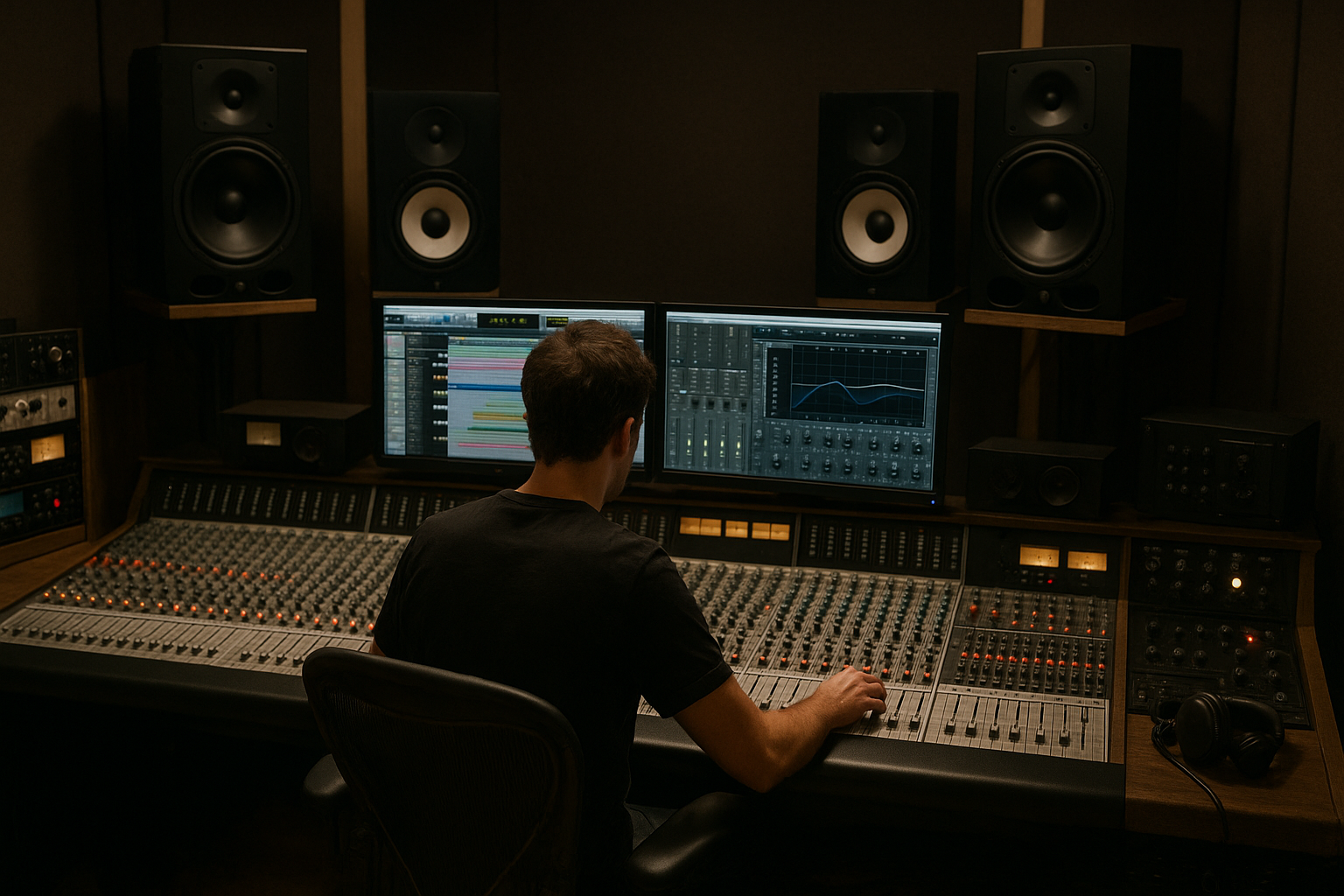
Improve your mix before adding more plugins
If your track feels crowded, flat or unclear, start with the mixing guides. They cover core decisions such as subtractive EQ, compression, panning, automation, reference tracks and critical listening.
Read the mixing guides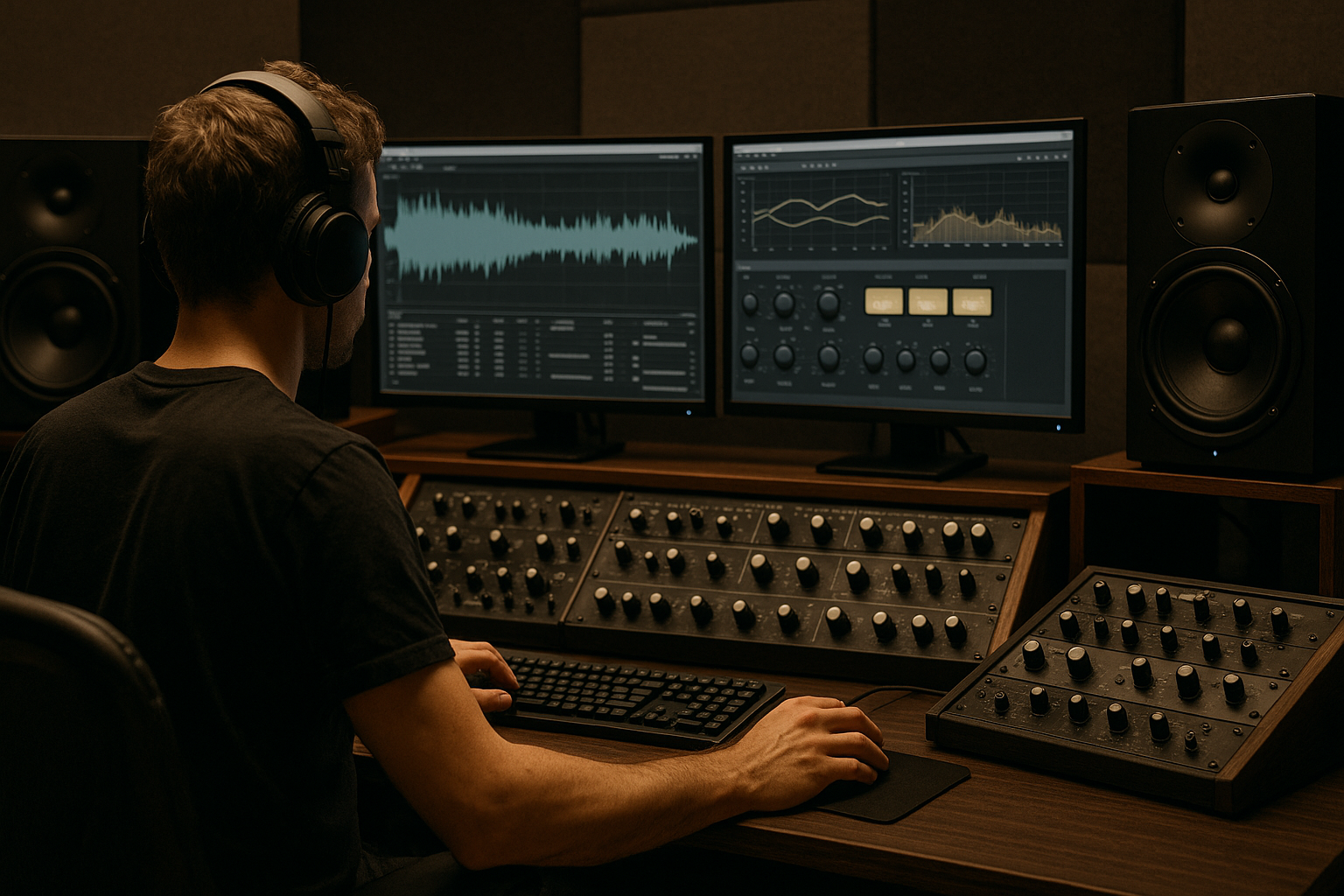
Prepare your music for mastering
If the mix already feels balanced, move into mastering topics. Learn how final EQ, dynamics, limiting, loudness and quality control affect the way music translates after export.
Read the mastering guidesChoose tools based on the problem
Studio gear and plugins are most useful when you know what they solve. Monitoring, acoustic treatment, interfaces, software and processors all affect different parts of the workflow.
Understand the wider production process
Good results are rarely caused by one setting. Arrangement, recording quality, editing, monitoring, mix decisions and mastering choices all shape the final sound.
Studio Gear and Plugins in Context
Gear can help, but it should not replace understanding. Mixing Studio Online treats studio tools as part of the workflow: what you hear, how you process it, how you check it and how you make repeatable decisions.
Monitoring and room decisions
Studio monitors, headphones and acoustic treatment influence what you think you hear. That makes monitoring one of the most important parts of a reliable mixing setup.
Plugins and processing choices
EQs, compressors, saturation tools, reverbs, delays and limiters are easier to use when you understand their role in the mix or master.
Software and mastering tools
Mastering software, metering tools and editors can support final checks, but they work best when the mix is already prepared with enough headroom and balance.
Useful categories to explore
Start with the main gear overview, then move into more specific categories when you know whether your bottleneck is monitoring, processing, recording or final delivery.
Software Studio and Recording EquipmentStart with the part of your workflow that needs attention first.
If the mix is unclear, start with mixing. If the mix is ready but the final file lacks control or consistency, start with mastering. If your setup makes decisions difficult, explore gear and plugins with a clear goal in mind.
Frequently Asked Questions
These questions cover the main difference between mixing, mastering, workflow and tools for producers who want to make more informed audio decisions.
What is the difference between mixing and mastering?
Mixing shapes the individual tracks in a song so they work together as one balanced production. Mastering comes after mixing and focuses on the final stereo file or stems, with decisions around loudness, tonal balance, dynamics and release preparation.
Who is Mixing Studio Online for?
Mixing Studio Online is for music producers, musicians, home studio users and engineers who want to understand mixing, mastering, studio workflow, gear and plugins in a practical way.
Do I need expensive plugins to improve my mix?
Not always. Better monitoring, gain staging, arrangement choices, EQ decisions and compression control can often improve a mix before new plugins are needed. Tools help most when you know what problem they are meant to solve.
What should I fix before mastering?
Before mastering, check the balance, low-end, vocal level, harshness, stereo image, headroom and mix translation. Mastering can refine a strong mix, but it should not be used to repair avoidable mix problems.
What studio gear matters most for beginners?
Reliable monitoring is usually more important than collecting many plugins. Studio monitors, suitable headphones, basic acoustic treatment and a stable audio interface can make mix decisions easier to trust.